FollowingEyes
svganimationbackgroundUpload any image and place customizable eyes on it — the pupils follow the cursor everywhere on the page with eased, clamped motion.
Upload any image and place customizable eyes on it — the pupils follow the cursor everywhere on the page with eased, clamped motion. Size, pupil size, shine glint, tear drop, blink and idle wander are all props. SVG over your picture, zero runtime deps, reduced-motion safe. Pairs with CustomCursor for the full mascot-hero effect.
Playground
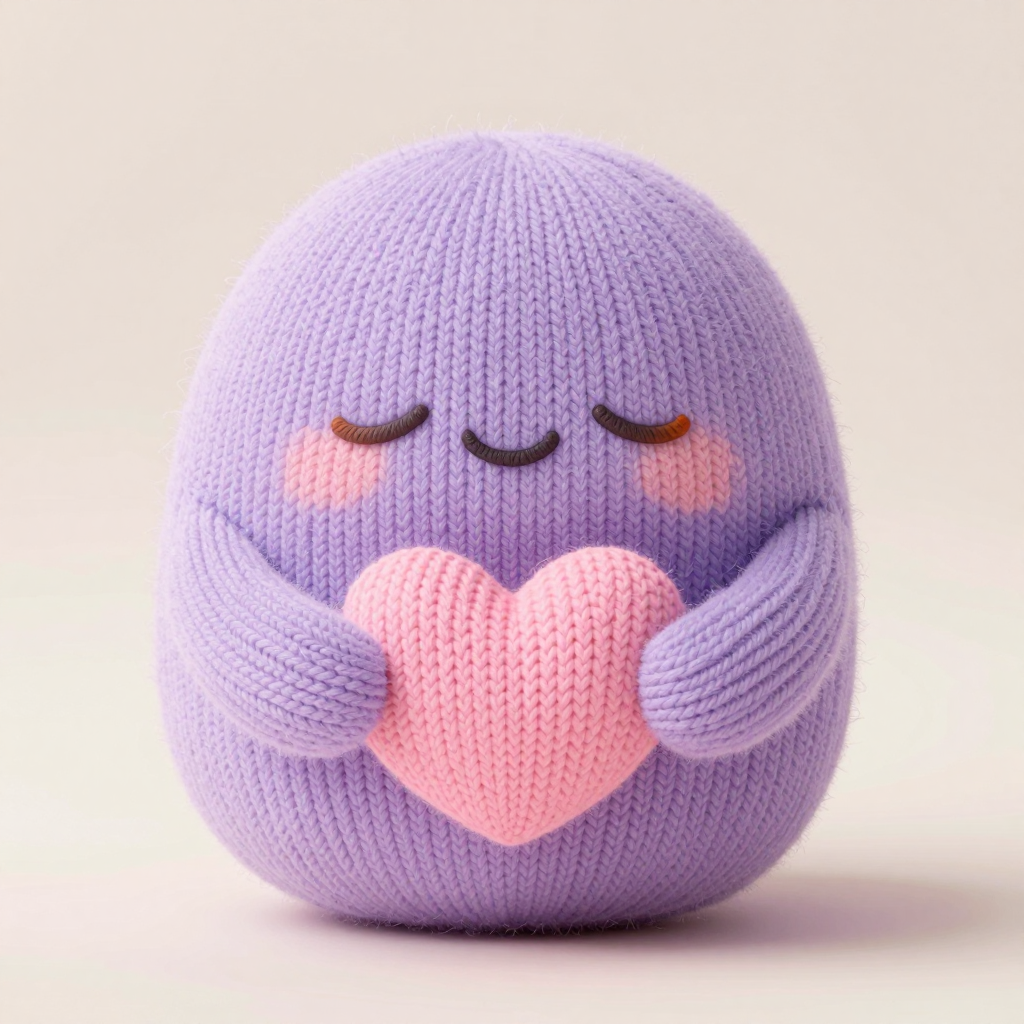
Tweak the props in the toolbox — the preview updates in realtime. “Copy code” gives you the exact JSX for the current tweaks.
Installation
Requires the shadcn CLI. Run this from your project root — it writes the component source, then you import and go.
npx shadcn@latest add "https://webcules.com/r/following-eyes.json"
The command installs the component source (plus its engine / type files when the component ships one). No other dependencies — everything is dependency-free canvas, SVG and CSS.
Usage
Import the component and drop it in — every prop in the toolbox is a regular React prop:
import { FollowingEyes } from "@webcules/ui/components/ui/following-eyes";export function Mascot() {return (<FollowingEyessrc="/mascot.png"alt="Our studio mascot"eyes={[{ x: 37, y: 41 }, { x: 63, y: 41 }]}eyeSize={12}tear="click"/>);}
Highlights
- Upload any image and place customizable eyes on it — the pupils follow the cursor everywhere on the page, not just over the picture
- Size, pupil size, shine glint, tear drop, blink and idle wander are all live props; per-eye overrides for asymmetric faces
- Pure DOM/SVG with transform-only updates — zero dependencies, vector-crisp at any DPR, effectively zero per-frame cost
- aria-hidden eye layer, seeded deterministic life, and reduced-motion snaps pupils to the pointer with no autonomous motion
Example — Paste any picture
eyes takes the eye centers as % of the image box — read them off any editor. Images with closed or blank eyes work best: the overlays replace them and the character wakes up.
<FollowingEyessrc="/team/ada.png"alt="Ada, our founder"eyes={[{ x: 44, y: 38 }, { x: 56, y: 38 }]}eyeSize={7}/>
Example — Per-eye overrides
Every eye can override size, pupil ratio and add a constant tilt — for side glances, perspective faces, animals.
<FollowingEyessrc="/owls.jpg"alt="Two owls"eyes={[{ x: 30, y: 28, size: 5, tilt: -8 },{ x: 70, y: 24, size: 6, tilt: 6 },]}/>
Example — Pairs with CustomCursor
The mascot-hero look: a big outlined cursor trailing the pointer while the eyes track it. Both ship from this library.
import { CustomCursor } from "@webcules/ui/components/ui/custom-cursor";<CustomCursor /><FollowingEyes src="/mascot.png" alt="Mascot" eyeSize={12} tear="click" />
Props
| Prop | Type | Default | Description |
|---|---|---|---|
| src | string | "/mascots/following-eyes-buddy.png" | Any picture the eyes sit on — paste your own URL. Eye positions are % of the image box. |
| eyeSize | number (% of image width) | 7 | Eye diameter as a percentage of the image width. |
| pupilRatio | number (0–1) | 0.55 | Pupil diameter as a fraction of the eye diameter. |
| pupilColor | string | "#141416" | Pupil fill color. |
| shine | boolean | true | The specular highlight on the pupil. |
| radius | number (× eye radius) | 0.4 | How far the pupil may travel from center (maps to follow.radius). |
| stiffness | number (0–1) | 0.14 | Per-frame ease toward the pointer — lower is laggier (maps to follow.stiffness). |
| blink | boolean | true | Seeded auto-blink every 2.5–6 s. |
| idle | boolean | true | The eyes look around seeded points when the pointer is quiet. |
| tear | "click" | "idle" | false | "click" | A teardrop wells up under an eye then falls — on click, or periodically while idle. |
| seed | number | 1 | Deterministic blink/wander variation — same seed, same life. |
Notes
- The eye layer is decorative (aria-hidden) — all content lives in the alt-ed image and your surrounding copy; no text is baked in.
- Eyes coordinates: x/y are the eye centers as % of the image box, read from the top-left. Tune them per image in code.
- radius and stiffness in the toolbox map to the follow={{ radius, stiffness }} object prop in code.
- Pointer tracking is page-wide; on touch devices the eyes wander. Under prefers-reduced-motion pupils snap to the pointer — direct manipulation, no autonomous motion.
- Blink and wander derive from seed via a sin-hash — recordings, stills and CI screenshots are reproducible.
